Who can take the next load?
Review drivers on a run, becoming empty, or needing a backhaul. Keep the next assignment grounded in current availability.
Bring routes, drivers, equipment, rates, and paperwork together. See who's loaded, who's available, and where the next assignment belongs.
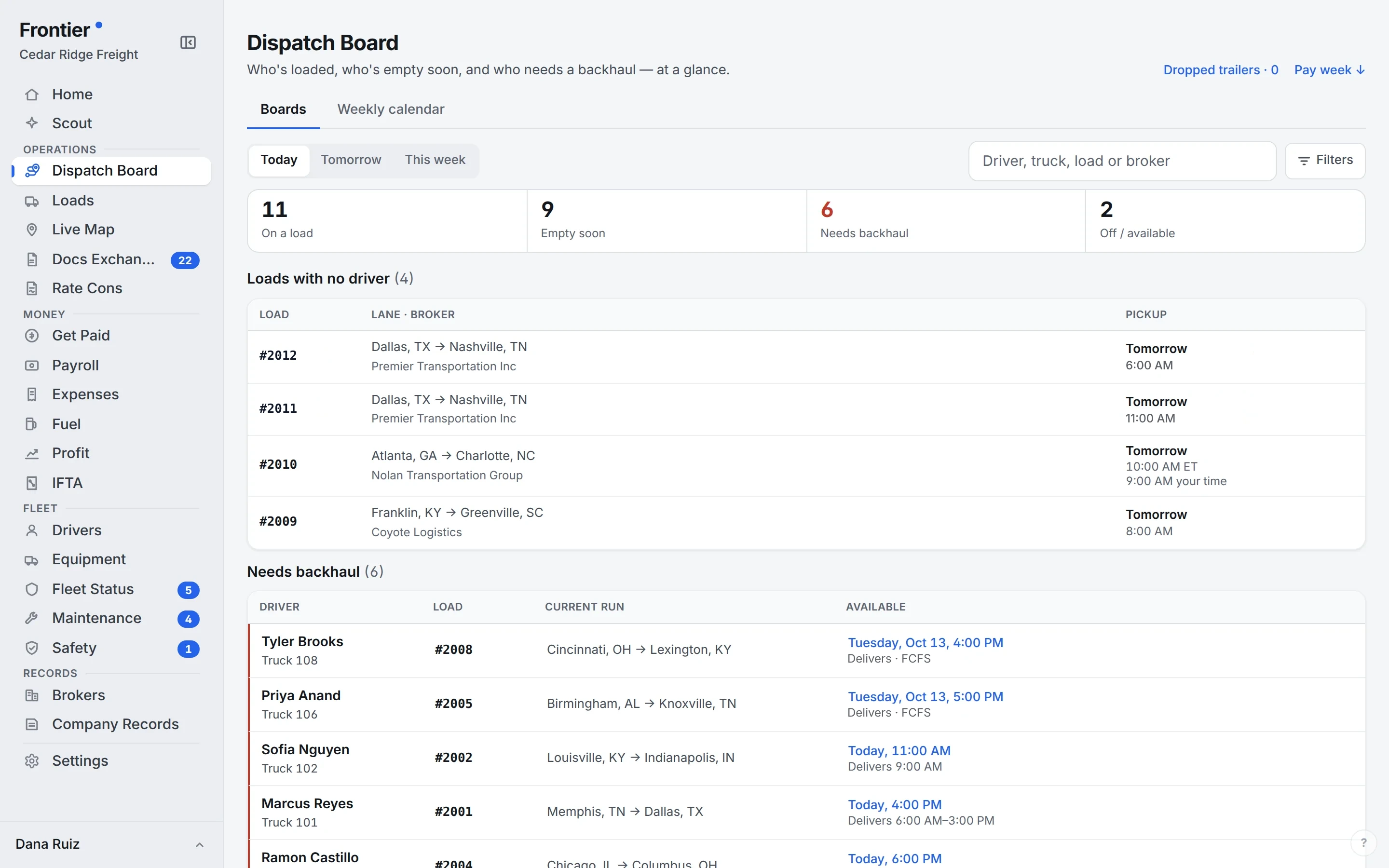
Real app screen · sample company data
At the dispatch desk
The load list holds the detail. The dispatch board helps you decide what moves next.
Review drivers on a run, becoming empty, or needing a backhaul. Keep the next assignment grounded in current availability.
Keep every pickup and delivery in route order, with its address, appointment, and reference numbers. Drivers see which stop comes next, including a separate confirmation for the final delivery. The office follows the same load record.
Follow the paperworkLoads is the detailed record of your freight. The dispatch board organizes current runs and driver availability so you can plan what happens next.
Unlimited users on every plan. A real person walks you through setup.