Free Chrome extension for DAT
Email or call any broker
in one click.
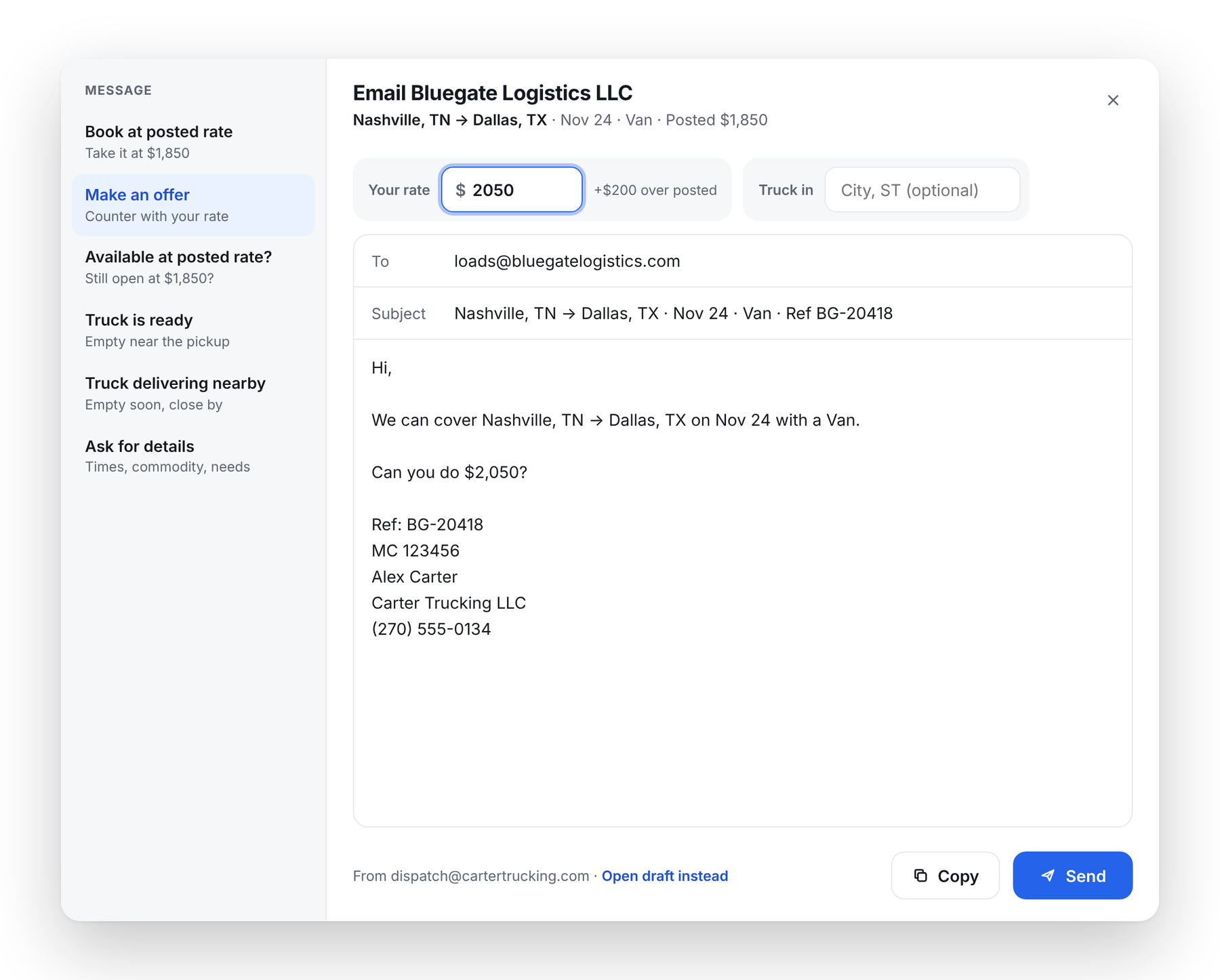
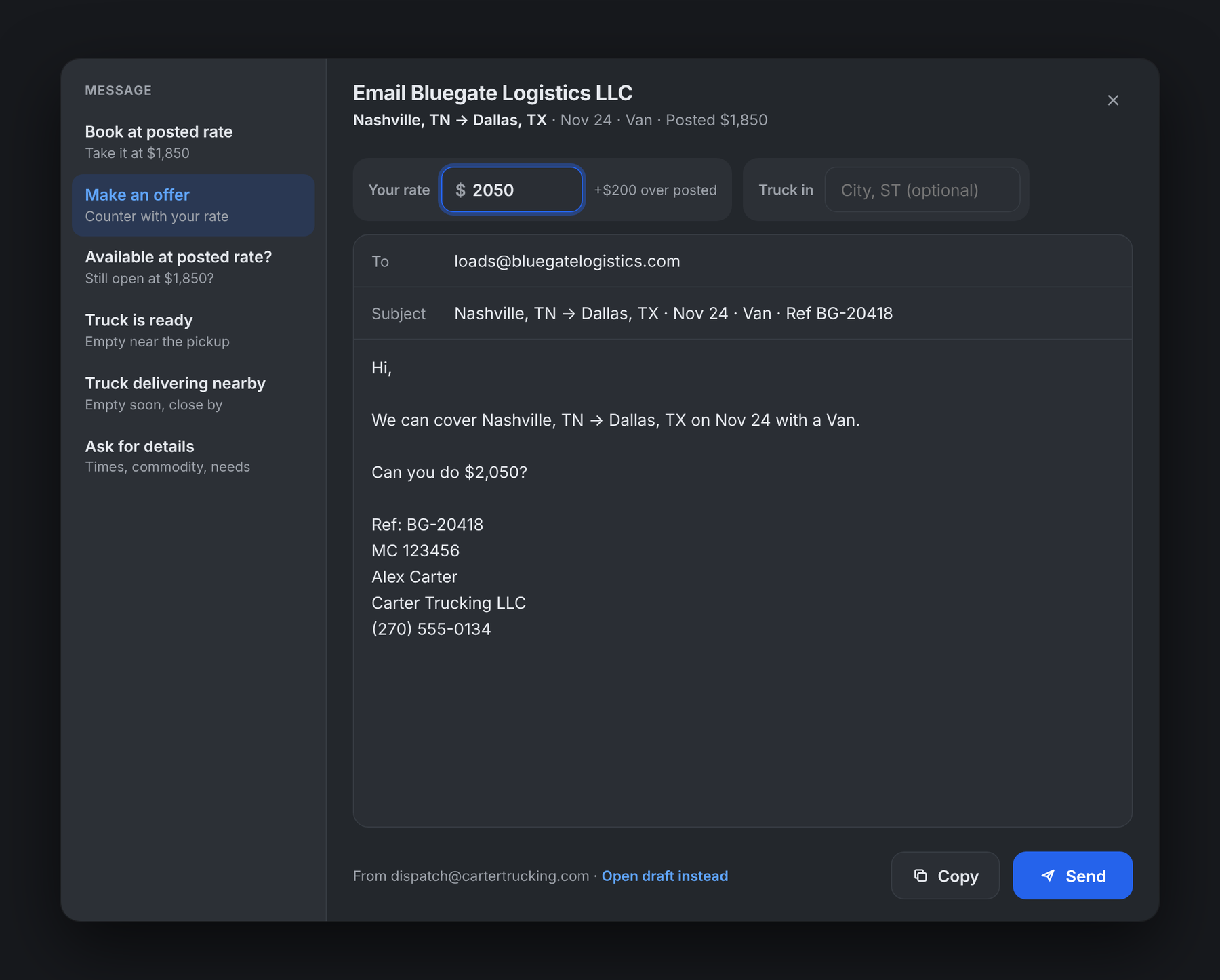
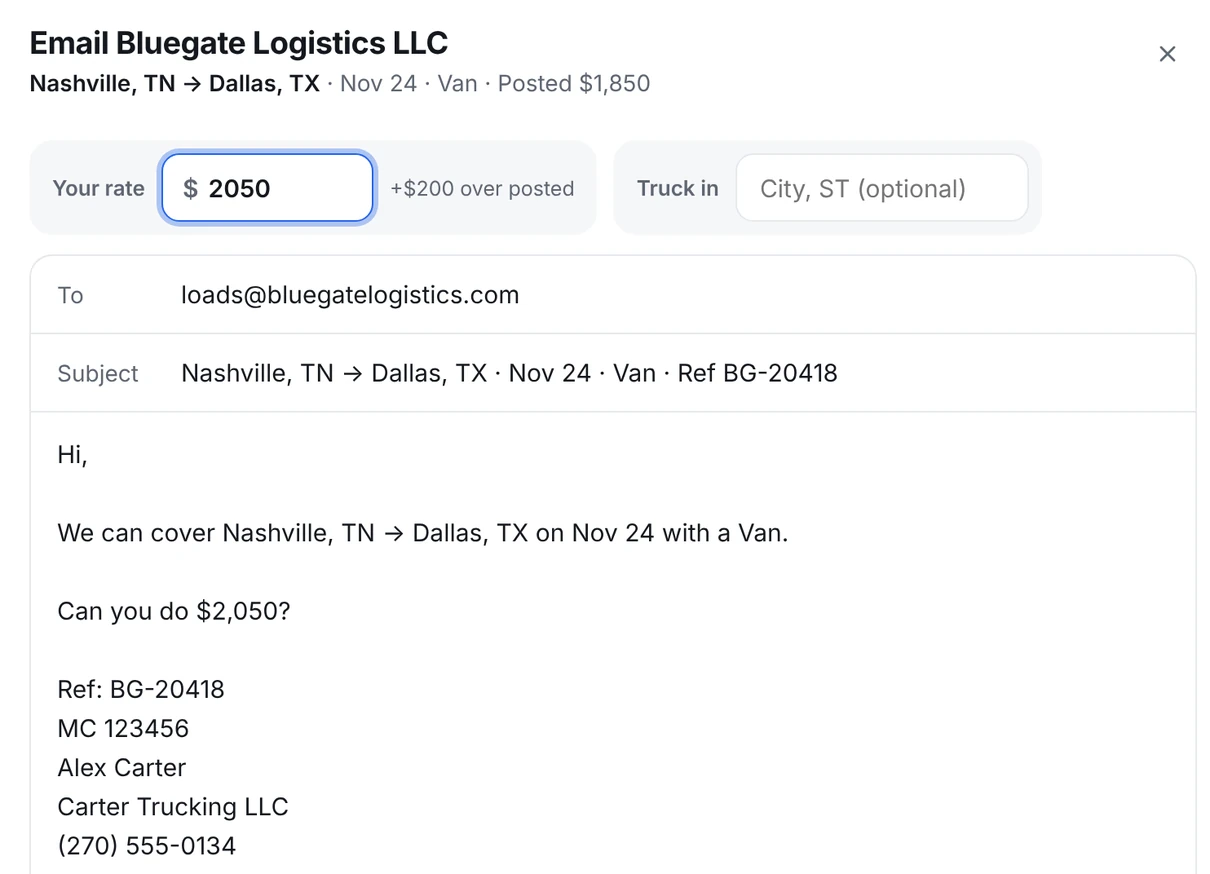
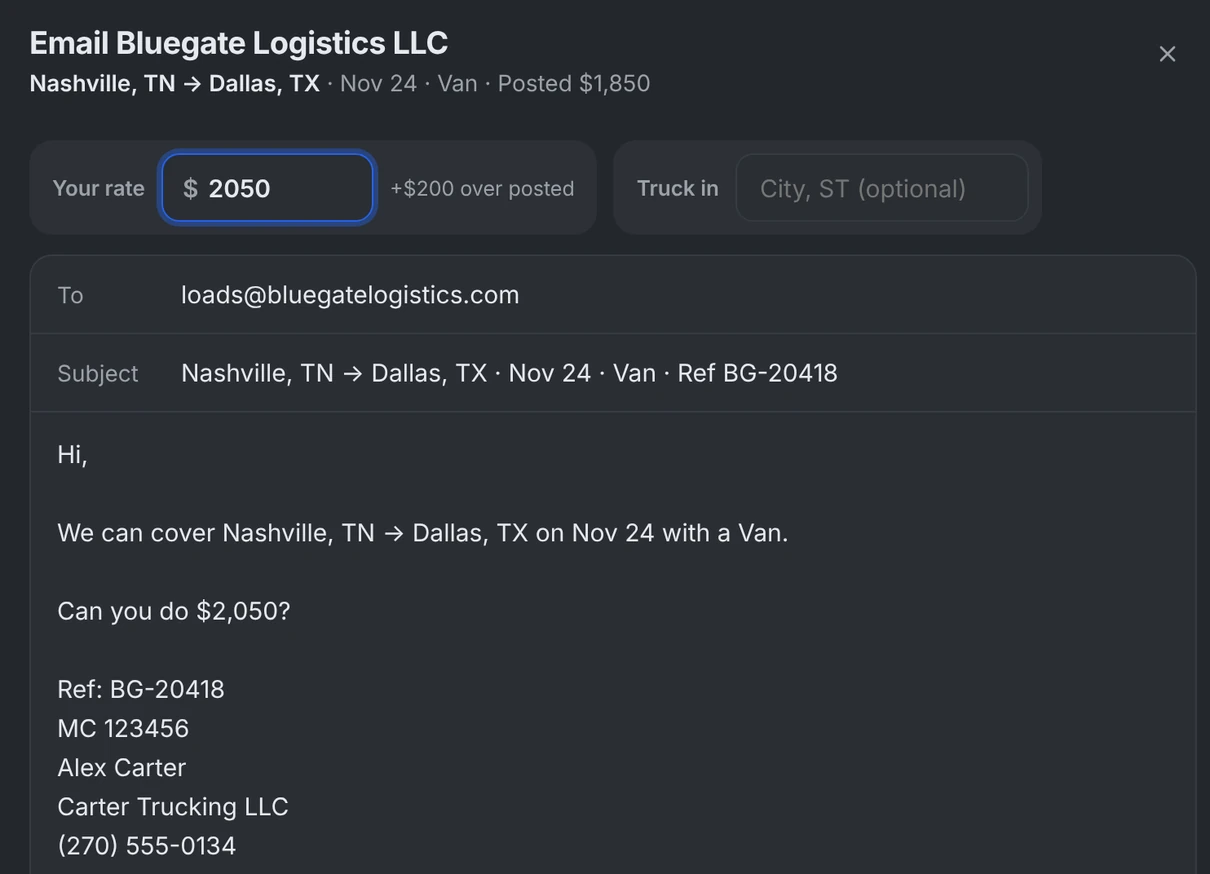
The right email, filled in with the lane, the rate and your MC. Or press Call and your phone rings the broker. All without leaving DAT.
Works on DAT One in Chrome and Edge. Free, no card.
Call any broker
in one click.
No typing numbers. Press Call on the load and your computer dials the broker for you, through your own cell phone.
- Rings through your own phone, so brokers see your number
- Phone Link on Windows (Android or iPhone), or iPhone calls on a Mac
- More than one number on a load? Pick which one to call
- Rather use Google Voice? Calls can open there instead
Everything you do on a load.
One click away.
The buttons sit right on the load in DAT, so you never copy a lane, an email or an MC again.
Email in one click
The right message opens by itself: book at the posted rate, make an offer, truck ready, or ask what it pays. The lane, reference number and your MC are already filled in.
From your own email
Connect Gmail or Outlook once and emails send from your address without leaving DAT. Brokers reply to you, and it all shows up in your Sent folder.
Call in one click
No typing numbers. Press Call and your computer rings the broker through your own cell phone, with Phone Link on Windows or iPhone calls on a Mac. Brokers see your number.
Broker credit in one click
Opens the broker in your factoring company's credit check with the MC ready. Triumph, RTS, OTR Solutions, Apex, TAFS, or the page you already use.
Profit before you book
Every load shows what you keep after fuel and your costs per mile, worked out from your fuel price and your truck's MPG.
Never email a load twice
Loads you've emailed get a check mark with the time. With one-click send on, everyone on your team sees them too.


Screens show sample brokers. Frontier isn’t affiliated with DAT or the factoring companies named here; the extension opens their sites for you.
Set up in a minute.
Add it to Chrome
One click from the Chrome Web Store. Free, no card.
Put in your MC
Your MC, name and phone go at the bottom of every email. Change any message to your own words.
Open a load on DAT
Press Email broker or Call on the load. Pick the message, press Send.
Your loads stay yours.
It does its job on the load in front of you, and nothing more.
- On DAT it reads only the load you have open. Other sites only when you ask, like your credit check
- Emails go from your own Gmail or Outlook, so brokers reply to you
- Emails send only when you press Send. For the check marks we keep who, the subject and when
- No ads, no tracking, and we never sell your information
Questions, plainly.
Is it free?
Yes. The extension is free, with no card and no trial. It's part of Frontier, the free TMS for trucking companies.
Do I need a Frontier account?
No. Email drafts, calls, credit checks and profit work without one. One-click send, which emails brokers straight from DAT, uses a free Frontier account to connect your Gmail or Outlook.
Which load boards does it work on?
DAT One. Truckstop and 123Loadboard aren't supported yet.
Which browsers?
Google Chrome and Microsoft Edge on a Windows computer or a Mac. It doesn't run on phones.
Does it change anything on DAT?
No. It adds its buttons to the load you have open. It doesn't post, book or change anything on your DAT account.
How do calls reach my phone?
Your computer places the call through your own cell phone: Phone Link on Windows (Android or iPhone, over Bluetooth) or iPhone calls on a Mac. The first time you press Call, a short guide shows how to set it up.