Every POD and BOL, carrier by carrier.
Everything your carriers' drivers send, sorted by carrier. Open it, check it, and accept it onto the load or send it back.
Free. No card, no carrier limit.
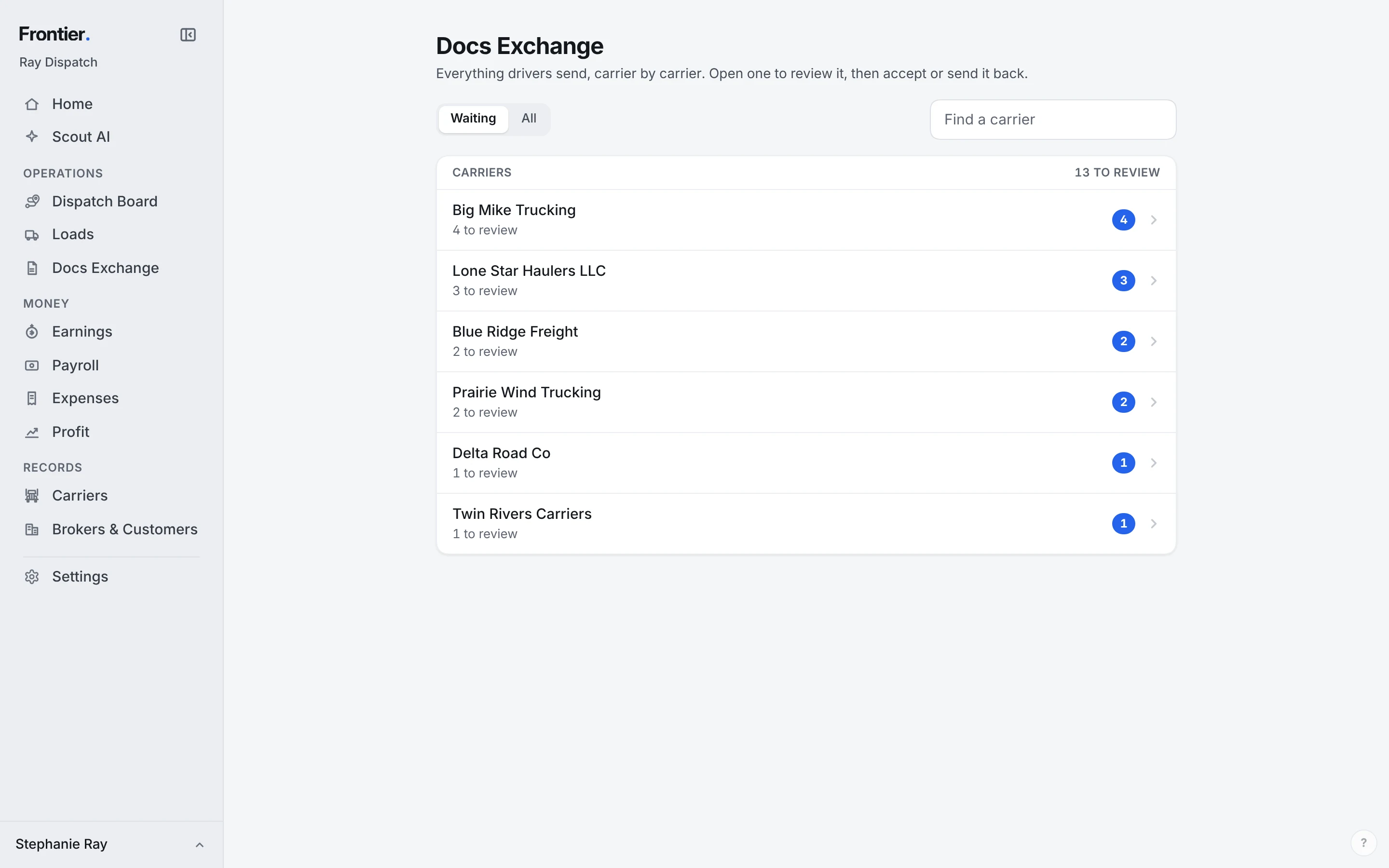
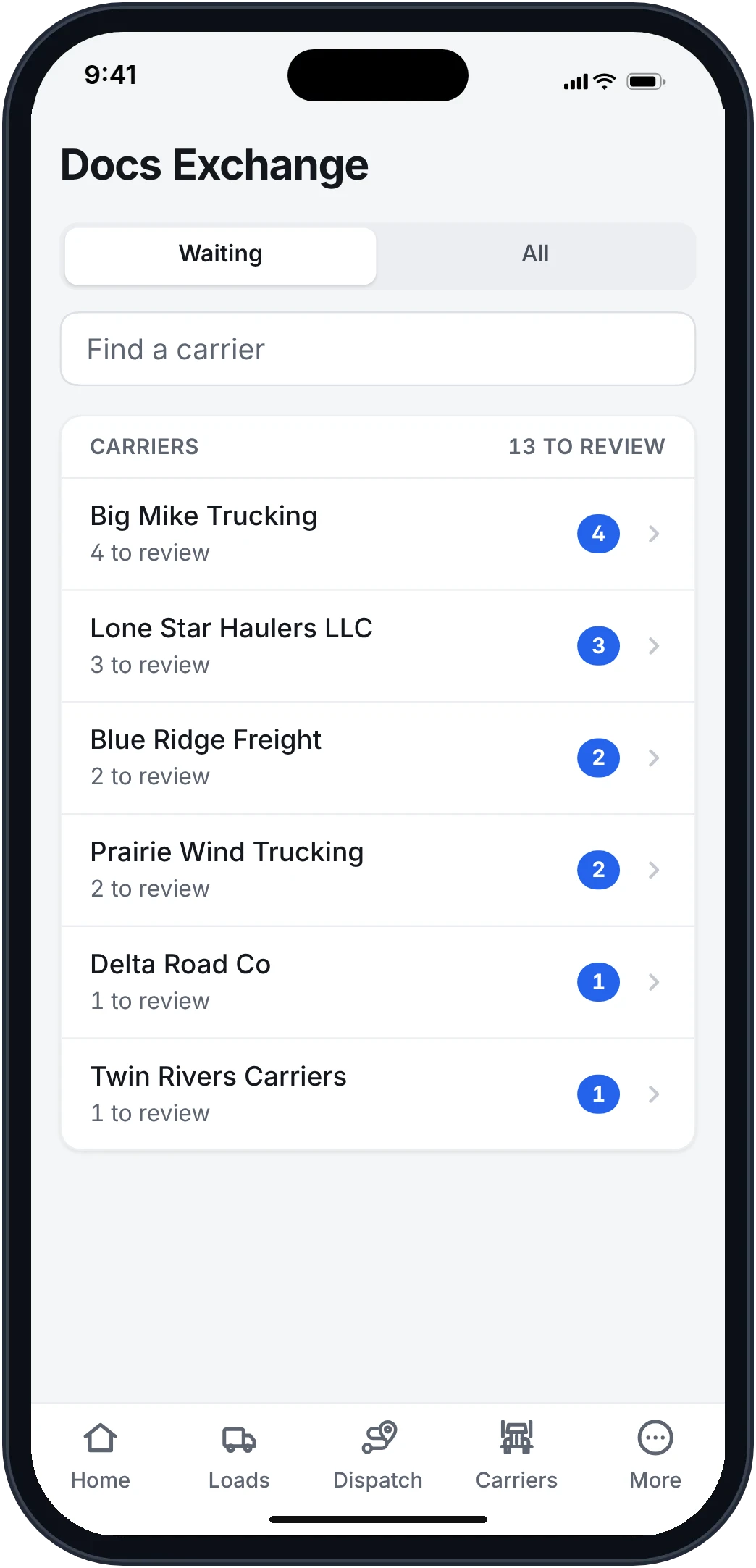
Real app screens · sample dispatch service data
How it works.
- 1
Drivers send from the cab
A driver scans the BOL or POD with his phone's camera in the Frontier driver app.
- 2
It lands under its carrier
Docs Exchange counts what's waiting for each carrier, so nothing sits unseen.
- 3
Review and accept
Open it and check it. Accept it onto the load, or send it back to the driver.
- 4
It's on the load
An accepted paper is on the load in the carrier's own Frontier, ready for his invoice.
The details.
Waiting or all
See what's left to review, or everything that came in.
Pick a carrier
Show one carrier's paperwork when you dispatch for many.
Upload it yourself
Add a paper to a load or a carrier's records when the driver or owner hasn't.
The carrier sees it too
His office sees the same papers on the same loads.
Does the carrier's office see what I accept?
Yes. A paper you accept is on the load inside the carrier's company. His office sees it there, and it goes on his invoice.