Send your carriers' invoices. Never touch their money.
When a carrier turns it on, you send his invoices and factoring batches under his company's name. Where he gets paid stays his.
Free. No card, no carrier limit.
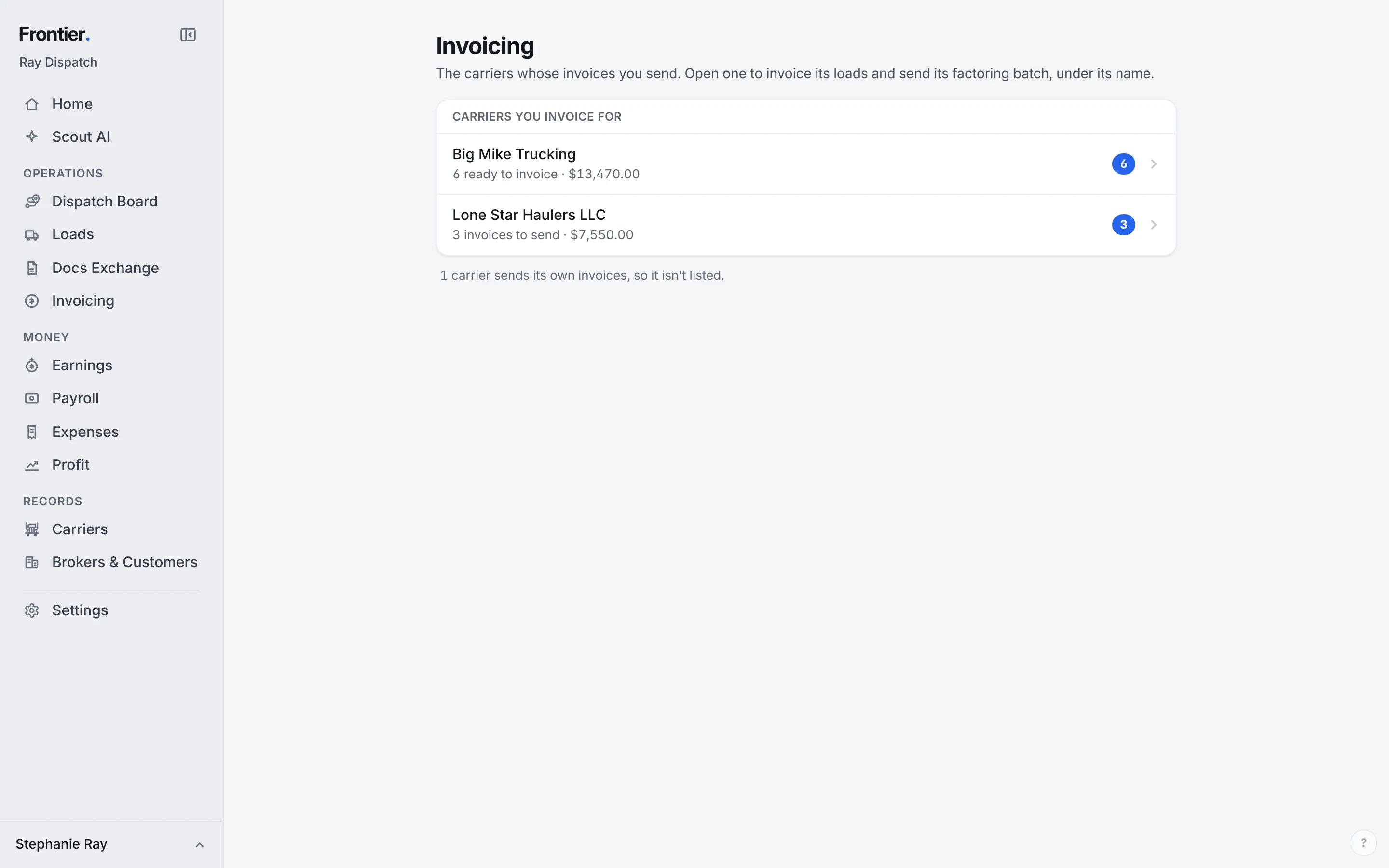
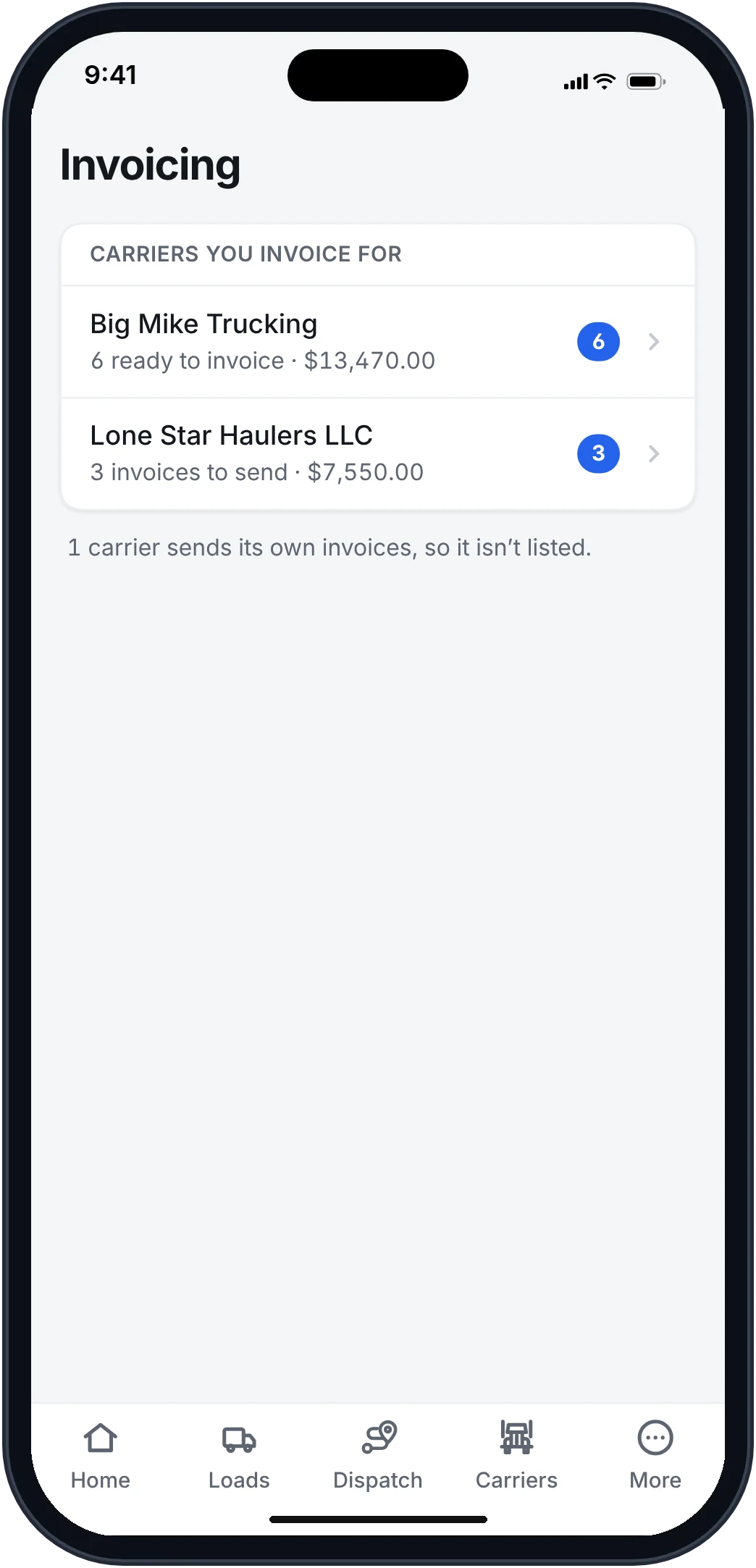
Real app screens · sample dispatch service data
How it works.
- 1
He turns it on
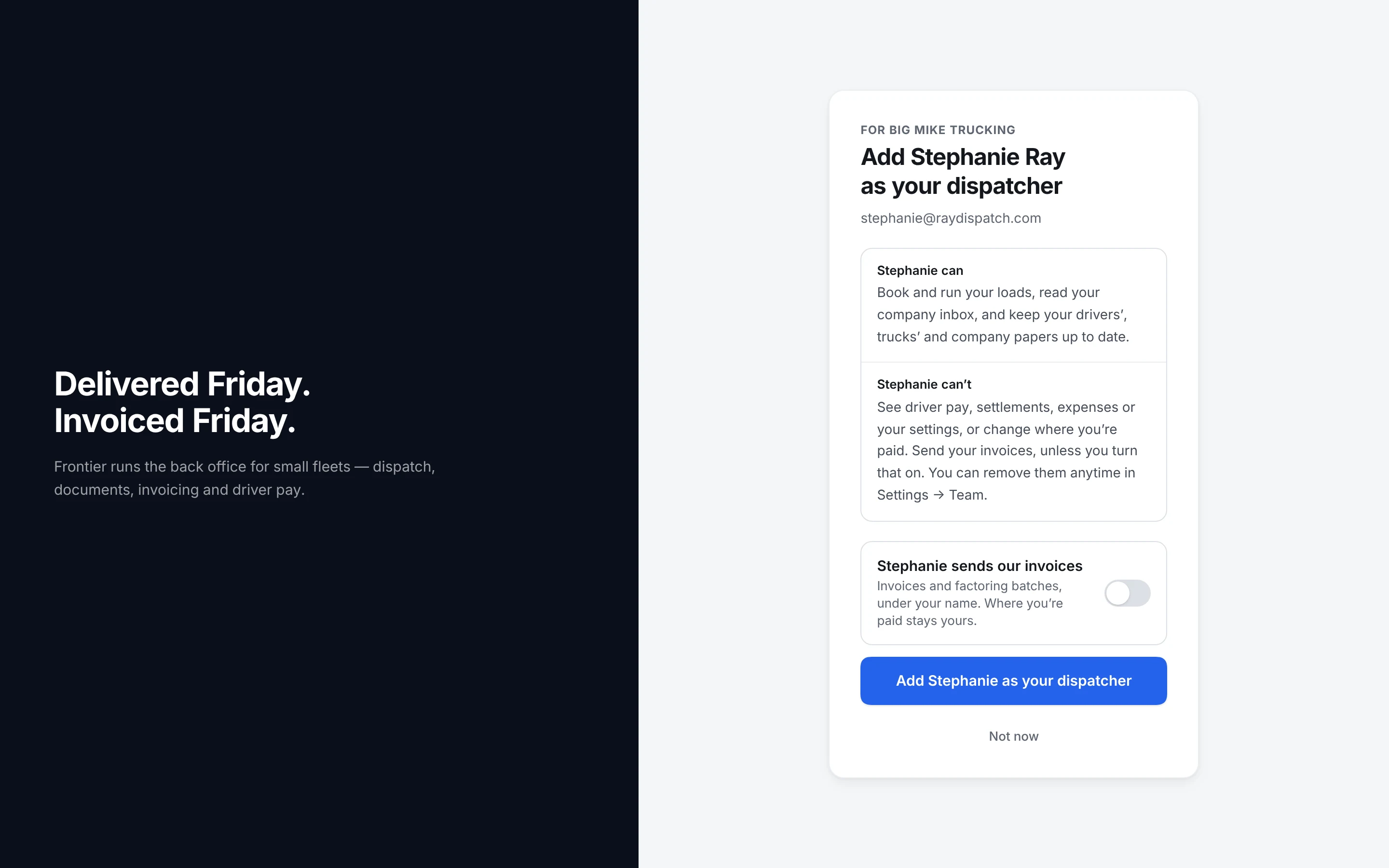
When he adds you, the carrier chooses whether you send his invoices. He can change it anytime in his Settings → Team.
- 2
Loads ready to invoice
Invoicing lists the carriers whose invoices you send, with how many loads are ready and their total.
- 3
Send it under his name
Open a carrier, invoice its loads and send its factoring batch, in his company's name.
- 4
The money goes to him
Payment goes where he set it up. You don't see or change where he's paid.
He decides.
What you can and can't do in his company, in plain words, and whether you send his invoices, before he adds you.
The details.
Paperwork only
A carrier who sends his own invoices still gets your accepted PODs and paperwork on his loads.
Only his owner changes payment
Where the carrier is paid, and his factoring company, are his owner's settings alone.
Nothing hidden from him
He sees every invoice and batch you send, in his own Frontier.
One carrier at a time
Each carrier's invoices go out on their own, under their own name.
Can I see what my carrier gets paid?
You see the invoices you send for him. You don't see his driver pay, settlements, expenses or where he's paid, and you can't change them.