Every broker on your carriers' lists, once.
One list of the brokers and customers your carriers work with. Booking a load fills them in, for any carrier.
Free. No card, no carrier limit.
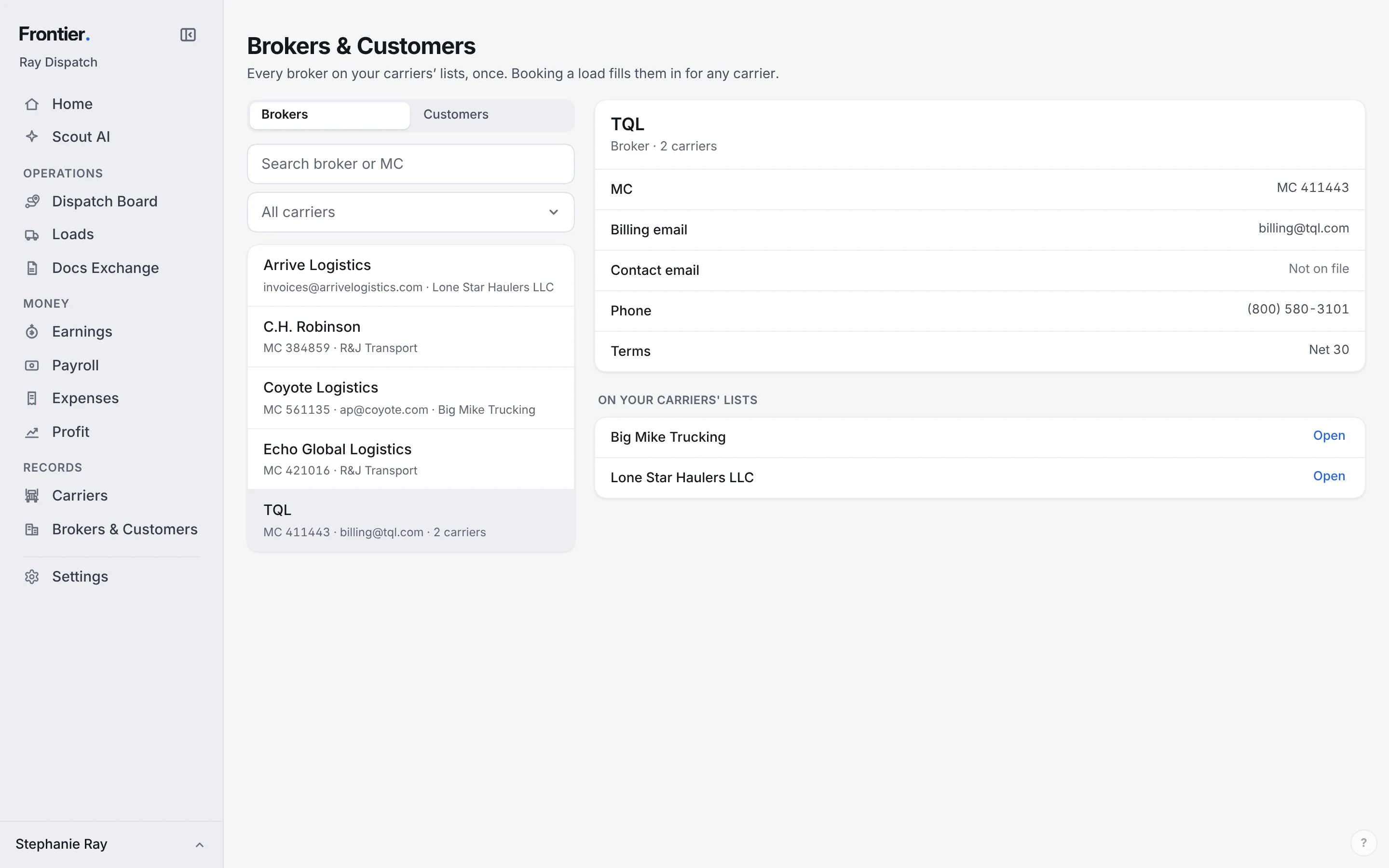
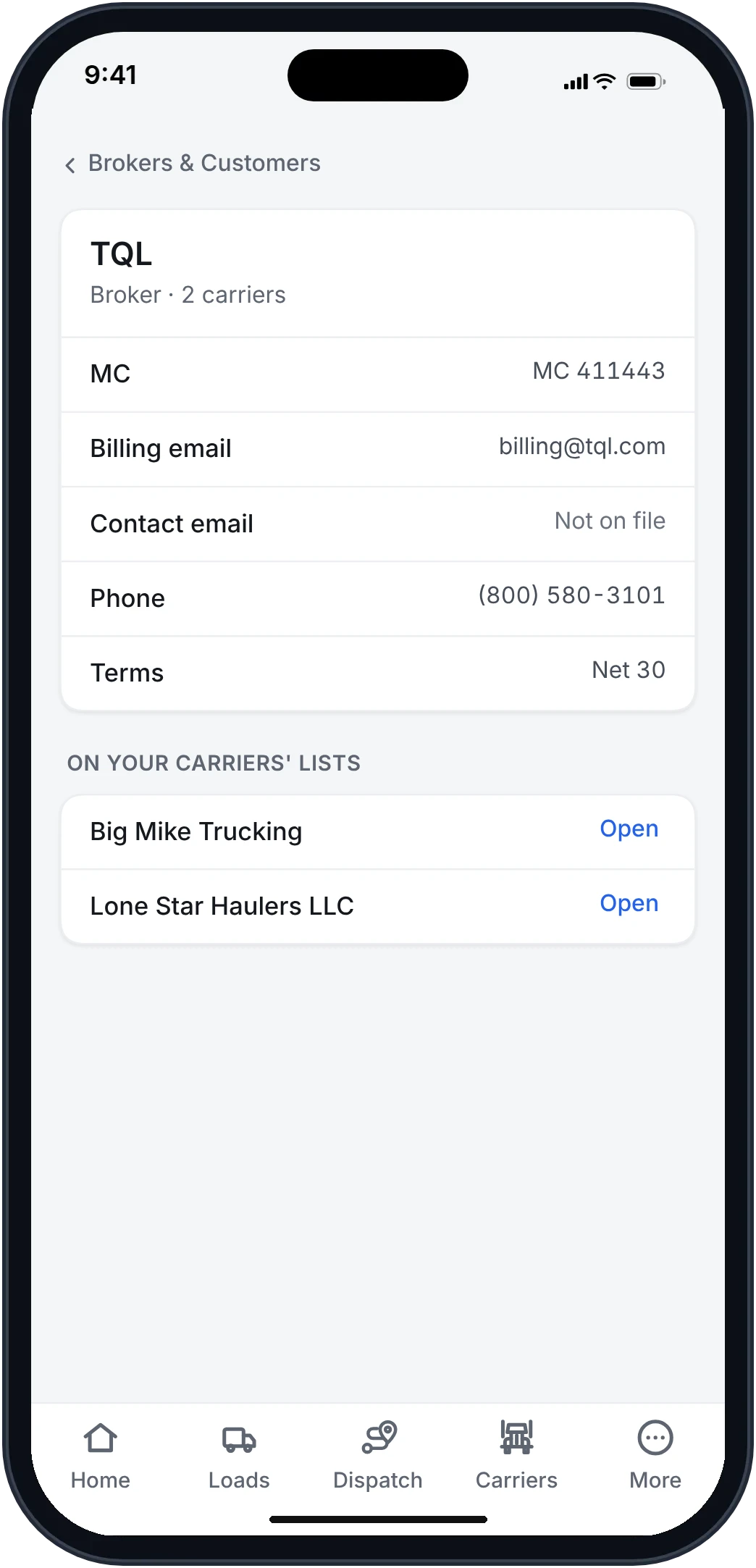
Real app screens · sample dispatch service data
How it works.
- 1
One list across carriers
Every broker and customer from every carrier you dispatch for, each one once, with the carriers that have it on file.
- 2
Open a broker
The MC, billing and contact email, phone and payment terms, in one place.
- 3
Book faster
Pick the broker on a new load and their details fill in, whichever carrier the load is for.
The details.
Brokers and customers
Brokers on one tab, direct customers on the other.
Show one carrier
Narrow the list to one carrier's brokers when you need to.
Search by name or MC
Find a broker in a long list in a second.
Broker authority checked
See whether a broker's authority is active on FMCSA before you book with it.
Each carrier keeps his own
His brokers and customers stay in his own list, where his office sees them too.
Do my carriers see each other's brokers?
No. You see one list across your carriers. Each carrier sees only its own brokers and customers.